

Game files information
App name:
Arcade Archives RIDGE RACER
Version:
1.0
Format:
NSP
Required Firmware:
20.0.1
Genre:
Racing
Size:
186.69 MB
Language:
English, French, Italian, German, Spanish and Japanese.
Badge:
Exclusives
Screenshots

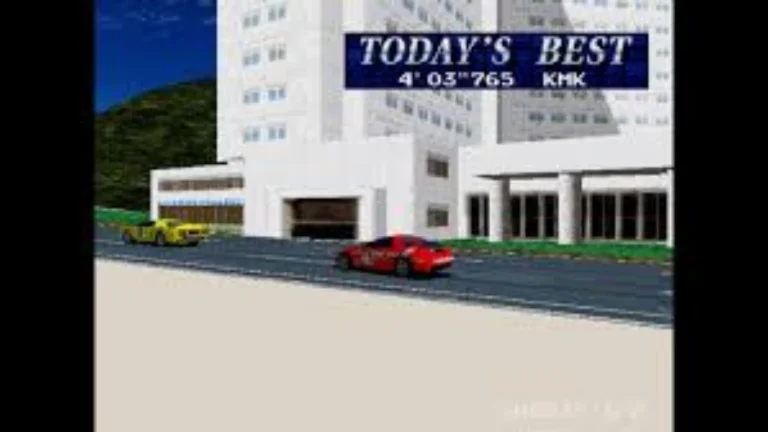

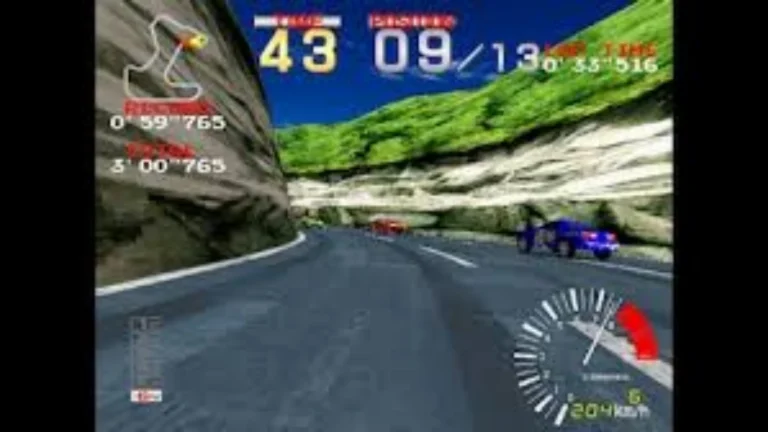
Description:
Arcade Ridge Racer is almost an ideal fit for Nintendo Switch 2, releasing on the day of its launch. ‘Almost’, as the controls are quite sensitive when you’re first racing. Soon, though, you will come to accept the virtual reality of a car on a road, how to drift through the sharper corners, how to navigate around the CPU cars without wasting precious time in a collision, and how the game cycles from day to night and back.
Arcade Archives RIDGE RACER NSP Key Features:
- Faithful Arcade Emulation: This emulation will capture the texture-mapped graphics and the constant rush of movement of the original Japanese and English SD/DX versions of Arcade, plus the lively music.
- The Signature Drift Mechanics: Gameplay features the series’ signature pick-up and play drifting, which involves learning how to “drift” through tight turns.
- DX Version Clutch Control: Contains the DX arcade version that gives players the option to use H-pattern shifting and clutch controls to give the appearance of a real six-speed car.
- Modern Quality of Life Tools: Contains modern features such as fast save states, rewind capabilities, button remapping, and customisable CRT screen filters.
- Global Competitive Modes: Allows players to compete in standard Arcade Archives competitive modes (Hi-Score Mode and Caravan Mode) and challenge others on worldwide online leaderboards.
Download
Installation Instructions
There is no difference between NSP and XCI formats — both run exactly the same on any Nintendo Switch emulator. Your downloaded Arcade Archives RIDGE RACER file is in NSP format.
To play on an emulator, open your emulator, go to File → Load File (or drag and drop), and select the downloaded NSP file.
Ensure your emulator has at least Firmware 20.0.1 installed before launching Arcade Archives RIDGE RACER.
On a hacked Nintendo Switch, install the file using Tinfoil (highly recommended) or DBI Installer.
The direct download link may occasionally be slow or unavailable due to high traffic. If it fails, please wait a moment and try again.
Related ROMs
Top Racer Collection NSP/ XCI ROM v1.0.8 Download-
Asphalt Champions NSP/ XCI ROM v1.1.0 Download-
Highway Haste NSP/ XCI ROM v1.0 Download-
Crash Team Racing Nitro-Fueled NSP/ XCI ROM v1.0.15 Download-
Burnout Paradise Remastered NPS/ XCI ROM v1.0 Download-
Retro Drive Revamped NSP/ XCI ROM v1.0 Download