
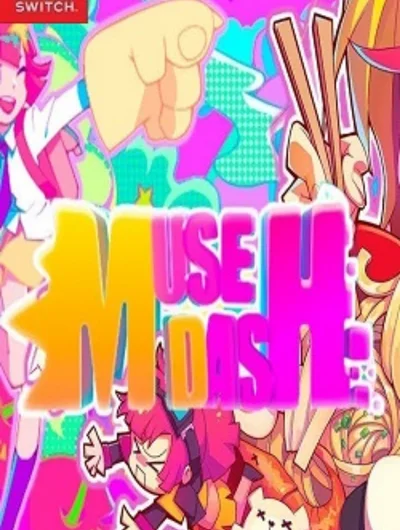
Game files information
App name:
Muse Dash
Version:
6.1.0
Format:
NSP
Required Firmware:
8.0.1
Screenshots
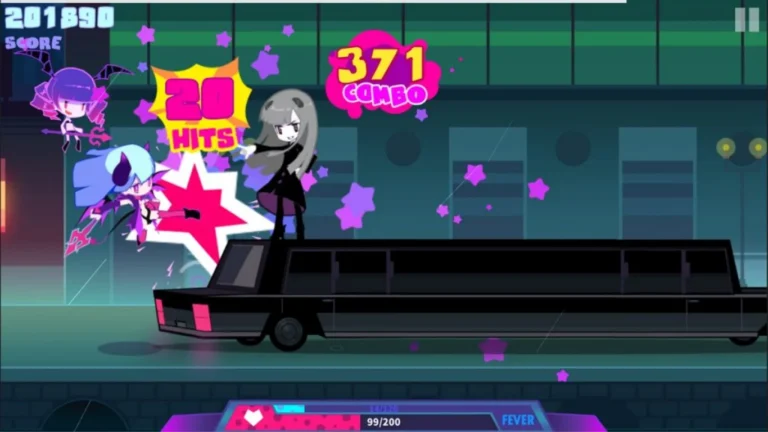
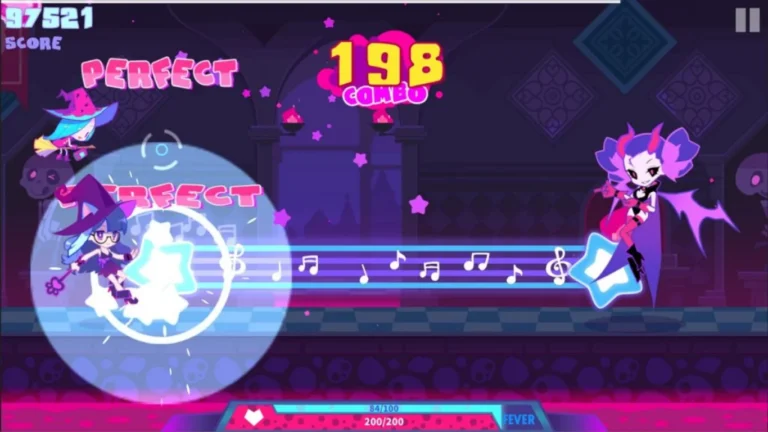
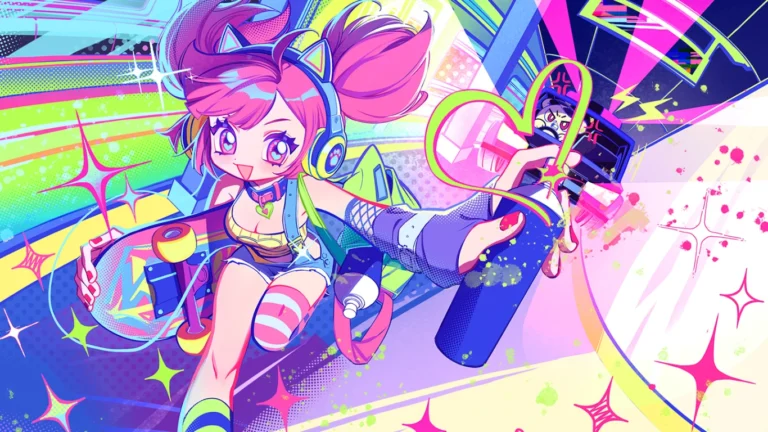
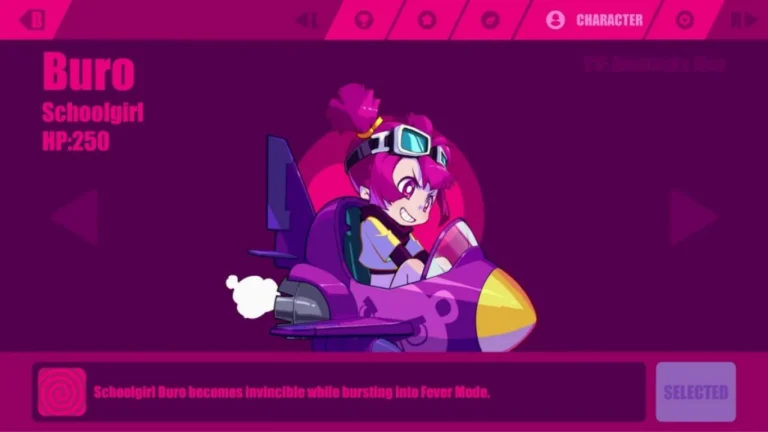
Description:
Over the years, there have been many changes to the genre of Muse Dash, from button pressing to playing guitars, DJ turntables and even a Taiko Drum and slicing blocks in Beat Saber. It’s a style with great music, and you’ll definitely get into the music you play along to.
But as the genre has evolved and changed, if anything the ways to play have gotten more complex, as if that’s the way to draw you in. In fact, the thing that these admittedly excellent games have been lacking, is simplicity. Muse Dash is looking to succeed in doing what other games have failed and that’s by making rhythm action simple.
Muse Dash Key Features:
- Hybrid: Players take a 2D note-tapping movement style hybrid approach to the game, in which they must neutralize enemies that appear on the right side of the screen both on the ground and while they are flying.
- Simple Two-Button Controls: Even though it’s an intense game, the gameplay itself is simple and easy to pick up (left/right, up/down), and can be used to provide easy challenge for novices and harder challenge for seasoned players.
- Wide music selection: 97 songs were included in the game and the players receive regular updates of new songs free of charge. It also features playable characters, pets (elfins) and enemies.
- Strong Boss Encounters: There are bosses for each level, which are required to be defeated in rapid and rhythmic button presses.
- The “Just as Planned” Plan (sometimes known as “Muse Plus” in certain areas) is another popular plan offered to players, which gives them access to all of the content currently available and in the future, including over 500 songs, for instant and permanent access.
Download
Installation Instructions
There is no difference between NSP and XCI formats — both run exactly the same on any Nintendo Switch emulator. Your downloaded Muse Dash file is in NSP format.
To play on an emulator, open your emulator, go to File → Load File (or drag and drop), and select the downloaded NSP file.
Ensure your emulator has at least Firmware 8.0.1 installed before launching Muse Dash.
On a hacked Nintendo Switch, install the file using Tinfoil (highly recommended) or DBI Installer.
The direct download link may occasionally be slow or unavailable due to high traffic. If it fails, please wait a moment and try again.
Related ROMs
Super Smash Bros Ultimate NSP/ XCI ROM v13.0.2 Download
Kill La Kill IF NSP/ XCI ROM v Download
AEW: Fight Forever NSP/ XCI ROM v1.5.0 Download
Space Planet Invader Cosmic Power NSP/ XCI ROM v1.0.0 Download
Rage of the Dragons NEO NSP/ XCI ROM v1.0.2 Download
Rage of the Dragons NEO NSP/ XCI ROM v1.0.2 Download