
Screenshots
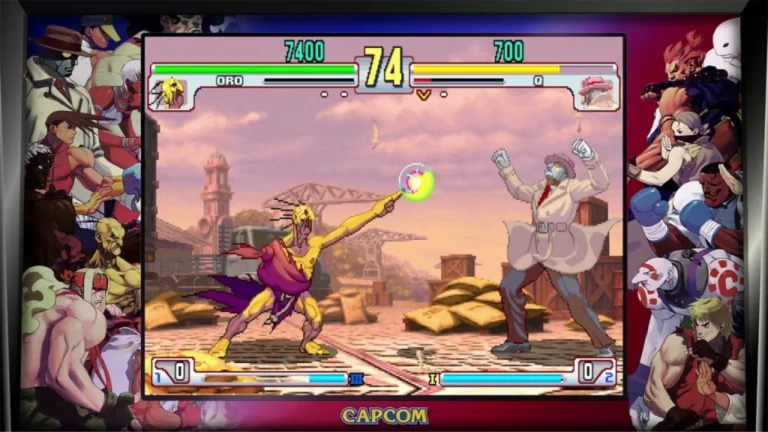
Description:
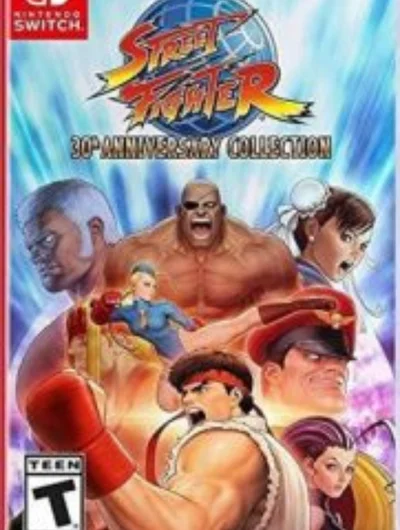
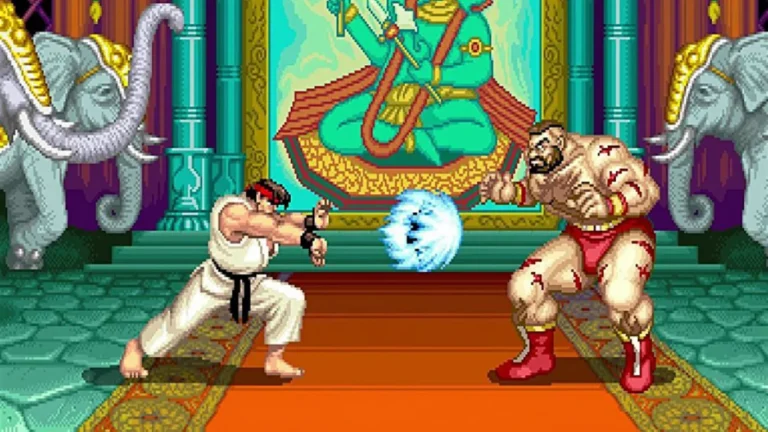
Street Fighter 30th Anniversary Collection NSP ROM for Nintendo Switch is a Fighting game. The fact that any of the Street Fighter series could use Hadokening, Dragon Punch or Tatsumaki Senpukyakuing (which is almost a clone of the Dragon Punch) for three decades was hard to fathom. The Nintendo Switch was the only console to get Ultra Street Fighter II The Final Challengers last year, the definitive version of this legendary fighting game, as some consider it.
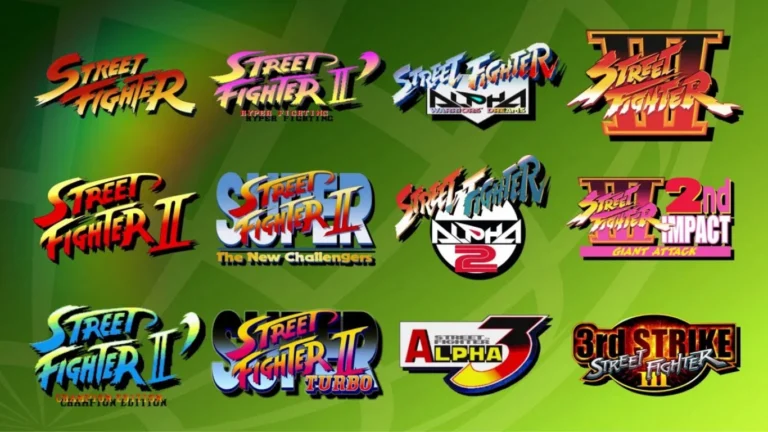
On the other hand, this fantastic compilation of the 12 essential games of classic is available at all major platforms in one edition, to mark their 30th anniversary. It sounds the most literal answer to what the Street Fighter 30th Anniversary Collection has to offer, but at first look, it might just appear as yet another 4 old fashioned games re-release.
Street Fighter 30th Anniversary Collection Key Feature:
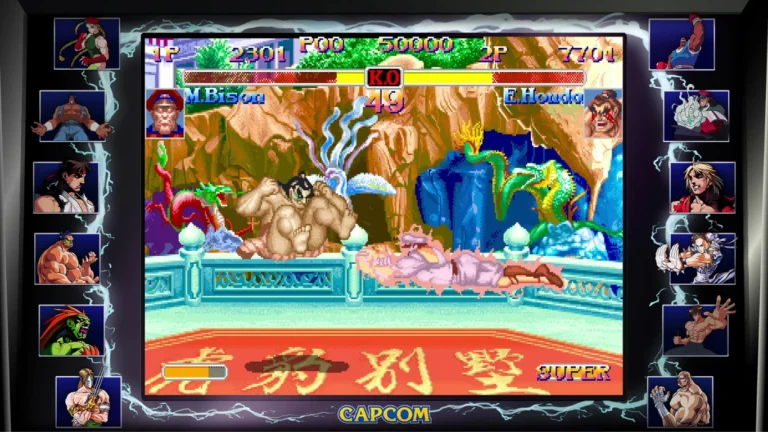
- Online Multiplayer: Four specific titles (Hyper Fighting, Super Turbo, Alpha 3 and Third strike) have online multiplayer option with ranked and casual mode, plus the rollback netcode provides smooth play.
- The Museum: A comprehensive archive of character development, concept art, original pitch documents and an interactive series timeline.
- Music Player: A full jukebox of music to play all 12 games from the collection.
- Save States: All 12 games have the option of saving progress at any time during the game.
Related ROMs
Super Smash Bros Ultimate NSP/ XCI ROM v13.0.2 Download
Kill La Kill IF NSP/ XCI ROM v Download
AEW: Fight Forever NSP/ XCI ROM v1.5.0 Download
Space Planet Invader Cosmic Power NSP/ XCI ROM v1.0.0 Download
Rage of the Dragons NEO NSP/ XCI ROM v1.0.2 Download
Rage of the Dragons NEO NSP/ XCI ROM v1.0.2 Download