
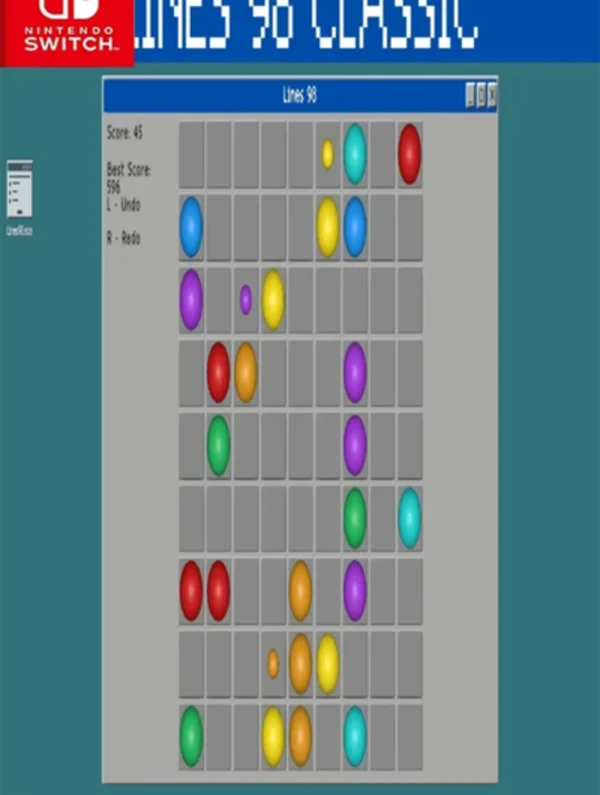
Screenshots
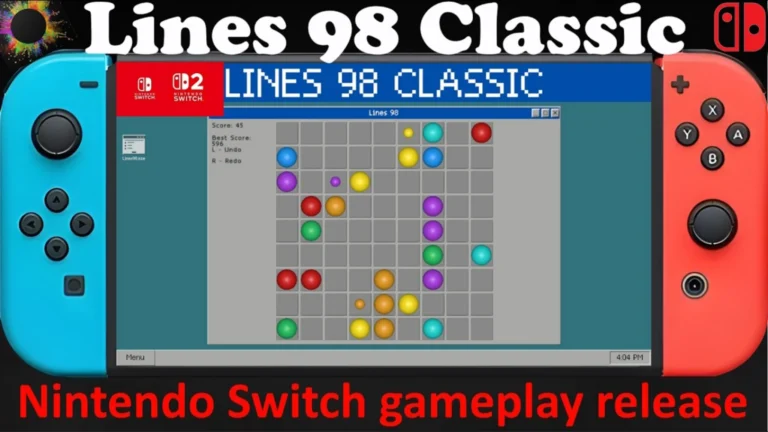
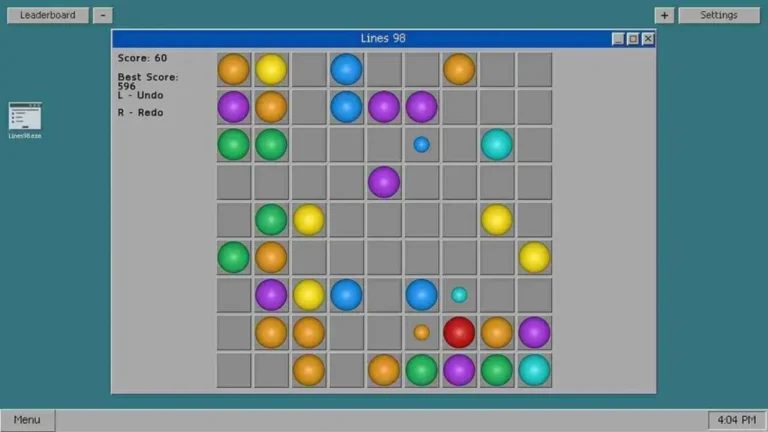
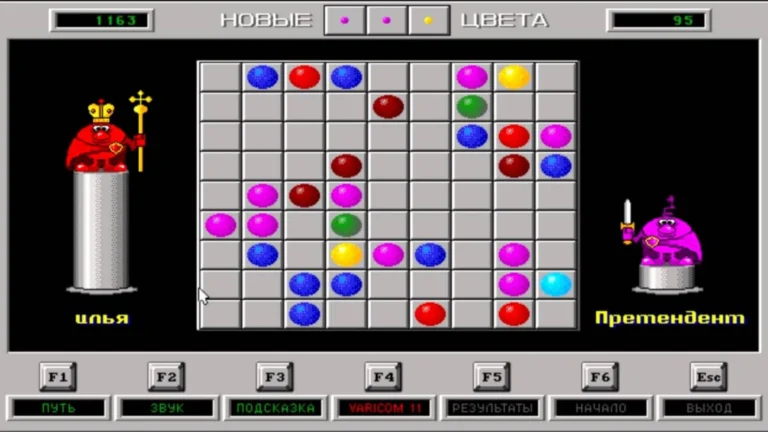

Description:
Lines 98 Classic NSP will combine the classic puzzle gameplay with the convenience of the Nintendo Switch, making it the ideal way to experience the puzzles of old. This digital version of the classic puzzle game, created by Soroka Games, invites you to form colored balls into lines to eliminate to earn high scores. Its simplicity and easy-to-use controls make the game appealing to both casual gamers and puzzle enthusiasts, providing a relaxing yet mentally stimulating experience.
Set against a simple yet elegant game board, Lines 98 Classic immerses players in a world of strategic thinking and pattern recognition. The game’s clear, retro graphics are optimized for the Nintendo Switch, providing crisp graphics in handheld and docked modes. The balls’ colours make them stand out from the neutral background, which helps to plan moves even when playing in a rush at the office.
Lines 98 Classic NSP Key Features:
- 9×9 Grid: The classic format features an intuitive and distraction-free playing surface.
- You can see up to 3 balls ahead, so that you can make moves in advance.
- Progressive Mechanics: Each move of a ball without lining up 3 new balls is randomly placed on the board each turn, making it harder!
- Multiple Difficulties: Has adjustable difficulty settings, balancing the number of balls spawned and allowing for a good balance of gameplay.
- Undo/Redo: The Undo/Redo feature allows players to correct mistakes or try out various strategies.
Related ROMs
Drop Duchy: Complete Edition NSP/ XCI ROM v1.0 Download
INSIDE NSP/ XCI ROM v1.0.3 Download
Hentai Academy NSP/ XCI ROM vv1.0.1 (v65536) Download
STASIS: BONE TOTEM NSP/ XCI ROM v1.0 Download
Overmorrow NSP/ XCI ROM v1.29 GB Download
Ogu and the Secret Forest NSP/ XCI ROM v1.2.3 Download