
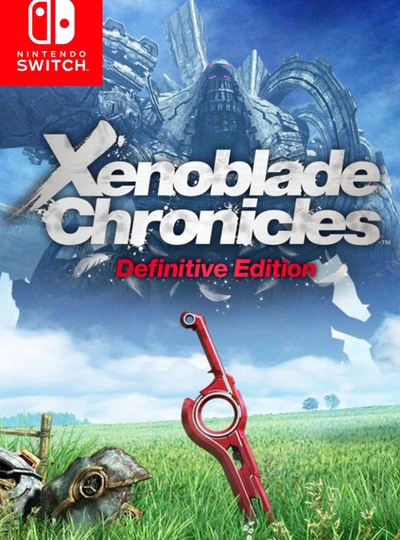
Game files information
App name:
Xenoblade Chronicles: Definitive Edition
Version:
1.1.2
Format:
NSP
Required Firmware:
9.2.0
Screenshots
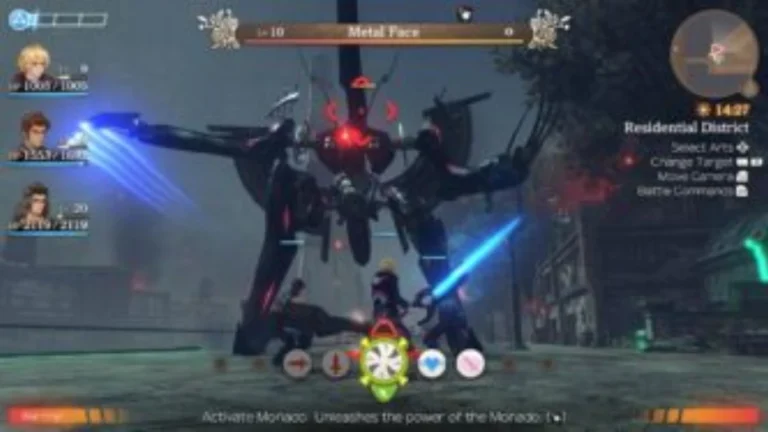

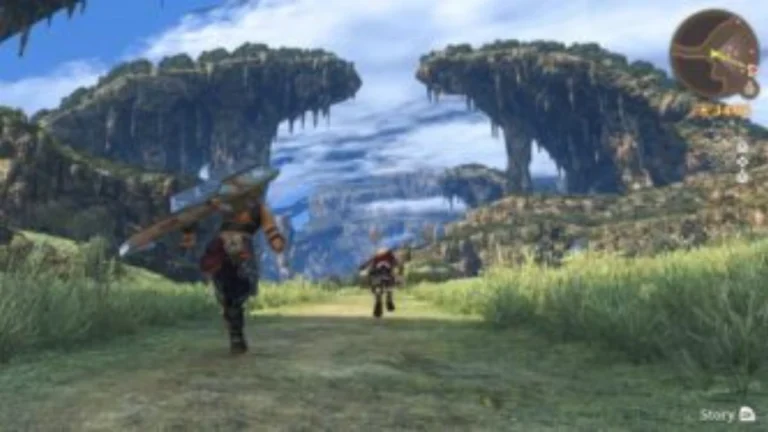
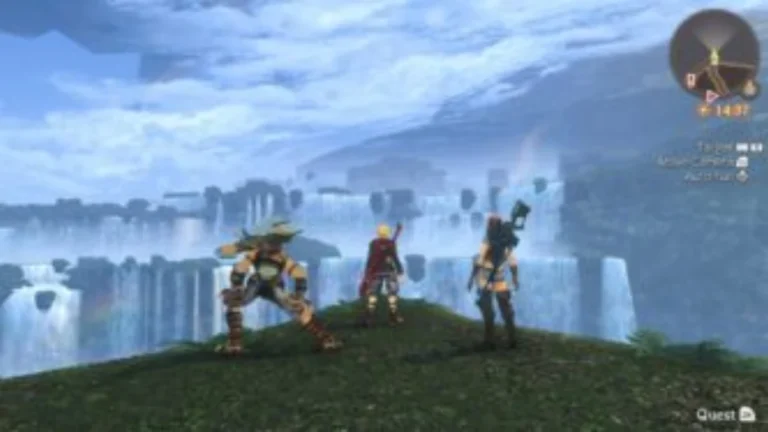
Description:
Xenoblade Chronicles Definitive Edition: Man vs. machine battle in this much-acclaimed RPG. As Shulk and his allies face an unstoppable mechanical threat, uncover the origins of Shulk. Wield a future-seeing blade, chain together attacks, and carefully position your party members in strategic, real-time combat as you journey across a massive world.
Enjoy the emotional journey with new graphics, over 90 remixed or remastered music tracks, and follow quests better with the new additions and improvements in this definitive edition. Listen to the epilogue, Future Connected, one year after the main events, which explores the love story of Shulk and Melia in the midst of a new, mysterious threat.
Xenoblade Chronicles: Definitive Edition NSP Key Features:
- Visually Overhauled: The game’s UI is updated with modern elements, environments,s and character models for much cleaner navigation.
- Audio Upgrades: Get mostly a remastered audio track with the ability to switch back and forth between the original music tracks from the Wii in the settings.
- “Future Connected” Epilogue 10: an hour-long chapter of the story that can be accessed through the main menu to tie up some loose ends for Melia and Shulk.
- Fashion Gear: Players can now wear different looks with the same stats and mechanics of the pieces.
- Better Quest Tracking: Objective markers are streamlined, and auto-runners are made easier to use, which means exploring those vast landscapes is a lot less tedious.
Download
Installation Instructions
There is no difference between NSP and XCI formats — both run exactly the same on any Nintendo Switch emulator. Your downloaded Xenoblade Chronicles: Definitive Edition file is in NSP format.
To play on an emulator, open your emulator, go to File → Load File (or drag and drop), and select the downloaded NSP file.
Ensure your emulator has at least Firmware 9.2.0 installed before launching Xenoblade Chronicles: Definitive Edition.
On a hacked Nintendo Switch, install the file using Tinfoil (highly recommended) or DBI Installer.
The direct download link may occasionally be slow or unavailable due to high traffic. If it fails, please wait a moment and try again.
Related ROMs
KEMCO RPG Selection Vol 12 NSP/ XCI ROM v1.0 Download
DRAGON QUEST VII Reimagined + 6 DLCs NSP/ XCI ROM v1.1.0 Download
Tales of Berseria Remastered NSP/ XCI ROM vv1.0.2 Download
OCTOPATH TRAVELER 0 NSP/ XCI ROM v1.0.5 Download
Card-en-Ciel plus Divine Dynamo Flamefrit NSP/ XCI ROM v1.9.1 Download
Farland Saga I and II Saturn Tribute NSP/ XCI ROM v1.0 Download