
Game files information
App name:
4PGP
Version:
2.2.0
Format:
NSP
Required Firmware:
FW 21.1.0 Compression
Release Date:
05 Feb 2026
Title ID:
010010B0236C6000
Rating:
Screenshots
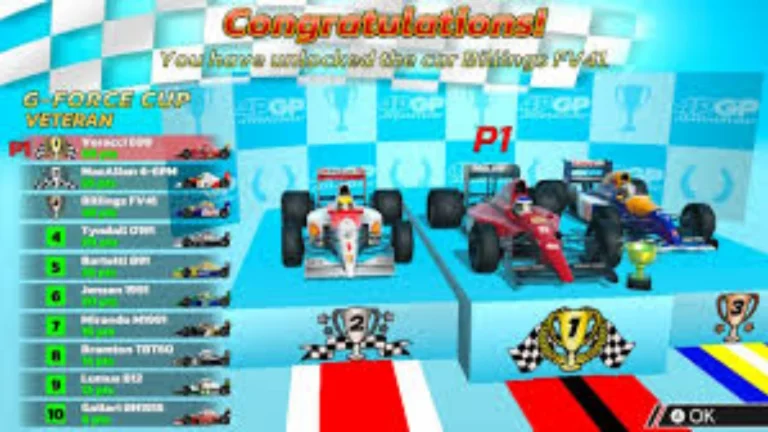
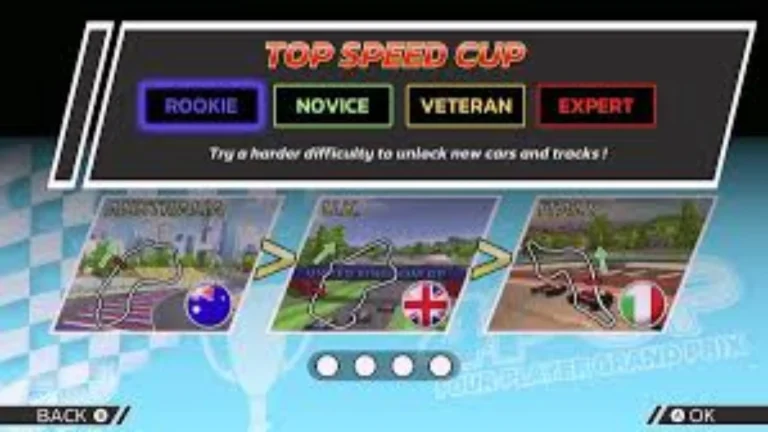


Description:
A new console launch is always a ground for racing games to battle. When it comes to hardware, the promise of smoother framerates and sharper visuals is there, and the players hope to see that one game that makes the upgrade worth it. So 4PGP NSP Nintendo Switch 2 Edition is Vision Reelle’s response to this, a bright, easy-to-understand formula racer designed specifically to demonstrate the capabilities of the new Nintendo machine.
It’s not a bid to out-compete the big bangers, and it’s not an attempt to reach arcade proportions. But 4PGP does not claim to be the enemy—it’s a game that families can play together on the sofa in the afternoon, enthusiasts can go on a lap time hunt late into the night.
4PGP NSP Key Features:
- Play the entire game, championship and quick race modes with up to 4 players locally.
- GameShare & Online Play: On the Switch 2, the game is available for GameShare, which enables local play with friends who don’t own the game. Online matchmaking with game chat is also possible.
- Choose from Multiple Game Modes – race a full season Championship and enjoy a great deal of action in
in Time Attack Mode. - Accessible Physics: Controls are kept simple (Gas and Brake) but just deep enough for advanced racers to learn how to drift and apex.
- Driving Assists: It can be very user friendly for new drivers and younger kids with features such as auto-steering and auto-braking. Gyroscopic controls are also fully supported.
- Pit Stop Mechanics: Each player can use the pit lane during a race to make strategic tire changes and for tactical turbo re-boost.
Download
Installation Instructions
There is no difference between NSP and XCI formats — both run exactly the same on any Nintendo Switch emulator. Your downloaded 4PGP file is in NSP format.
To play on an emulator, open your emulator, go to File → Load File (or drag and drop), and select the downloaded NSP file.
Ensure your emulator has at least Firmware FW 21.1.0 Compression installed before launching 4PGP.
On a hacked Nintendo Switch, install the file using Tinfoil (highly recommended) or DBI Installer.
The direct download link may occasionally be slow or unavailable due to high traffic. If it fails, please wait a moment and try again.
Related ROMs
Rocket League Ultimate Edition NSP/ XCI ROM v2.2.1 Download-
Moto Rush Reborn NSP/ XCI ROM v1.0 Download-
Golf Story NSP/ XCI ROM v1.0.1 Download
Stunt Race NSP/ XCI ROM v1.0 Download
INAZUMA ELEVEN: Victory Road NSP/ XCI ROM v5.0.0 Download
Goons: Legends Mayhem NSP/ XCI ROM v1.0 Download