

Game files information
App name:
Star Wars Pinball
Version:
1.0
Format:
NSP
Required Firmware:
8.1.0
Screenshots

Description:
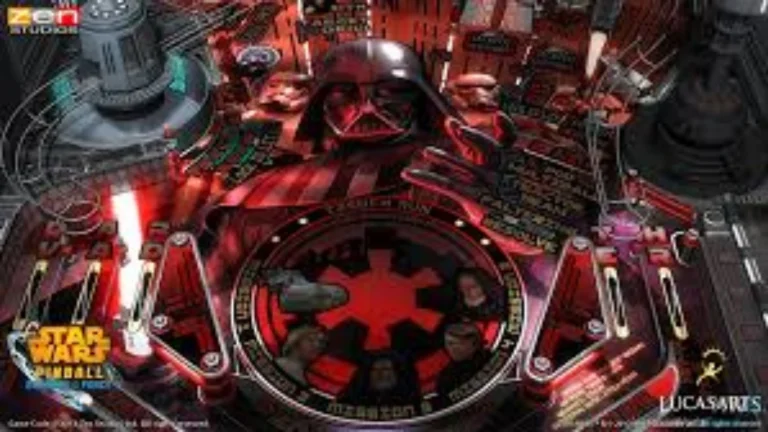
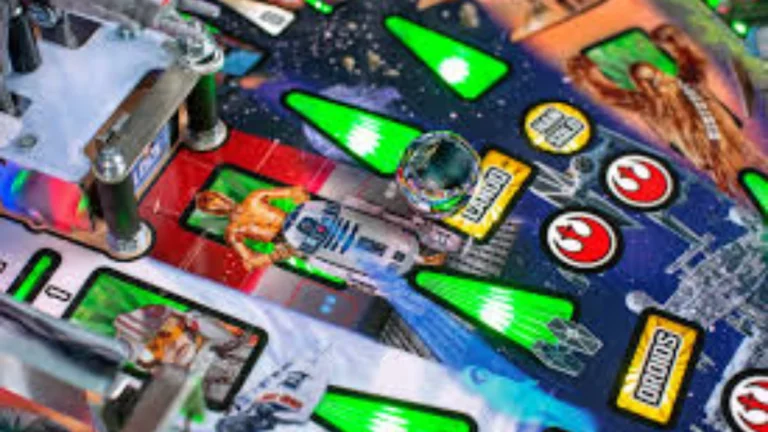
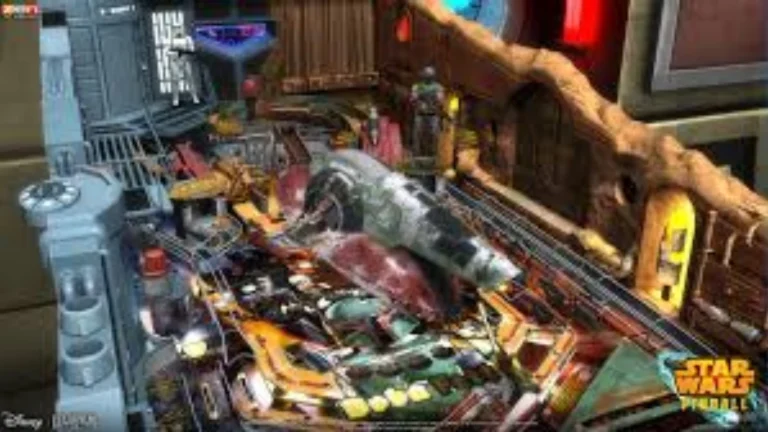
Star Wars Pinball is a Zen Studios and LucasArts video game. This game was originally released in February, 2013. A standalone Star Wars Pinball game with all 19 released tables, along with new features, game modes, and more, was released on Nintendo Switch on September 19, 2019. Star Wars Pinball features 19 tables, and they’re all gorgeous. Each time you start up a new game, there’s a camera fly-over that scans the entire table. It zooms in and out a number of times to provide you with a good overview of what the table looks like.
Star Wars Pinball NSP Key Features:
- In the game, Force Powers & Talents, players can use unlockable powers while playing a digital version of pinball. Examples: slows down time in difficult shots, such as \(Speed\); can be a score multiplier, such as \(Vision\).
- In Career mode, you’ll have the option to gather Force Powers and talents (called Holocron Shards) to improve each one.
- Cantina Jukebox: Players can unlock and listen to iconic tracks from the original film scores, such as the Imperial March and the Cantina Band.
- Galactic Tournaments: Online multiplayer, competitive systems allow players to create their own tournaments or join in with online season and league play.
- Physical tables (like the Fall of the Empire edition) have very detailed interactive models, like a collapsing AT-AT with motors, a physical Death Star locking balls, and a hyperspace ramp on a Millennium Falcon.
Download
Installation Instructions
There is no difference between NSP and XCI formats — both run exactly the same on any Nintendo Switch emulator. Your downloaded Star Wars Pinball file is in NSP format.
To play on an emulator, open your emulator, go to File → Load File (or drag and drop), and select the downloaded NSP file.
Ensure your emulator has at least Firmware 8.1.0 installed before launching Star Wars Pinball.
On a hacked Nintendo Switch, install the file using Tinfoil (highly recommended) or DBI Installer.
The direct download link may occasionally be slow or unavailable due to high traffic. If it fails, please wait a moment and try again.
Related ROMs
R-Type Dimensions III NSP/ XCI ROM v1.0 Download-
Raiden Fighters Remix Collection NSP/ XCI ROM v1.1.0 Download-
Psyvariar 3 NSP/ XCI ROM v1.0.1 Download
Shadow Trigger: Covert Ops NSP/ XCI ROM v1.0 Download-
Space Routine NSP/ XCI ROM v1.0.2 Download-
Hotel Hustle NSP/ XCI ROM v1.0.1 Download-