
Screenshots
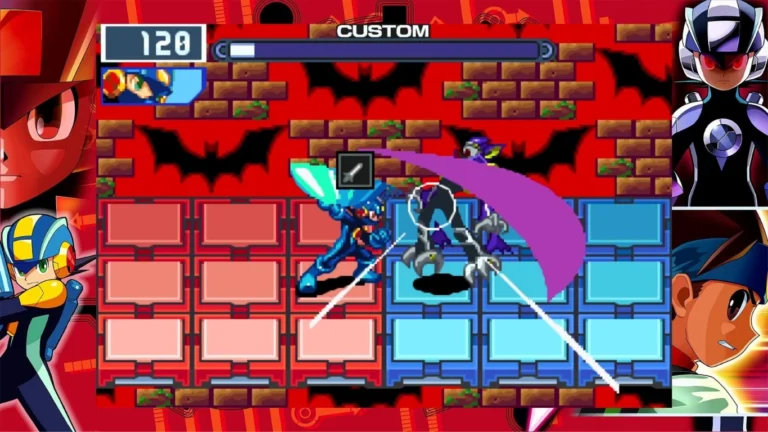
Description:
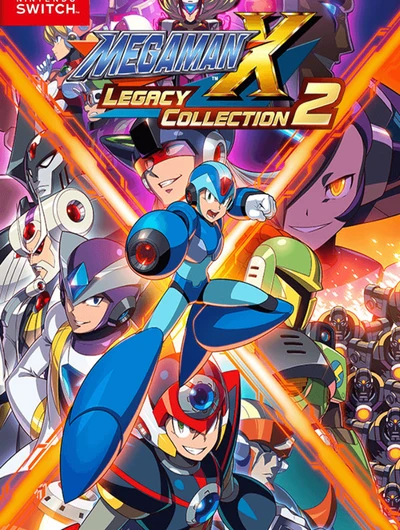
Mega Man Legacy Collection 2. Until recently, it appeared that Capcom was not very interested in the Mega Man series, for understandable reasons, given that it had a lot of fans who grew up with the Blue Bomber. Though Mega Man has starred in a lot of games, it’s the original NES releases that arguably stand as the most iconic, which makes Mega Man Legacy Collection a tempting deal.
On the sound level, one can hear the famous tunes of the original games and the characteristic sounds. This compilation enables us to enjoy all the songs from each of the four games, a total of 146 songs. The compilation has 7 different languages for the interface, and they are the following: Japanese, English, French, Italian, German, Chinese, and Spanish. Four Classic Titles: Mega Man 7, Mega Man 8, Mega Man 9, and Mega Man 10. All of the original DLCs are included in Mega Man 9 and 10.
Key Features:
- Newcomer-Friendly Options: Allows for a few bonus features to help newcomers survive through difficult levels, such as an Extra Armor mode that cuts all incoming damage in half and checkpoint-based saves.
- Challenge Mode: Provides more than 50 remix stages and challenges for competitive gamers with online leaderboards and video replays.
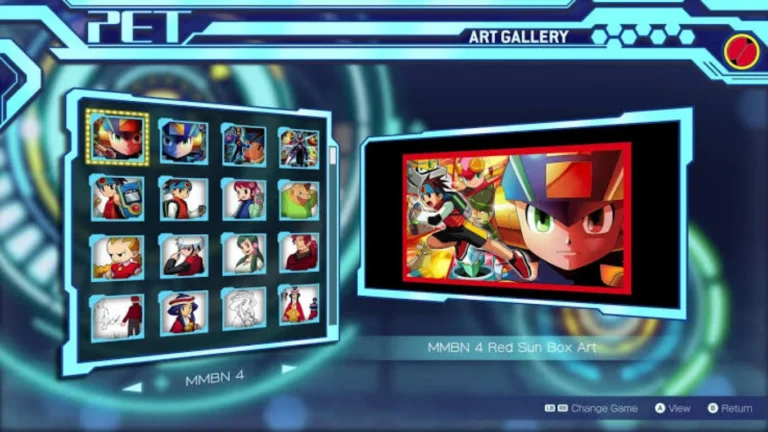
- Museum & Music Player: Has a vast gallery of unusual concept art and production sketches and a music player with the soundtracks for every game.
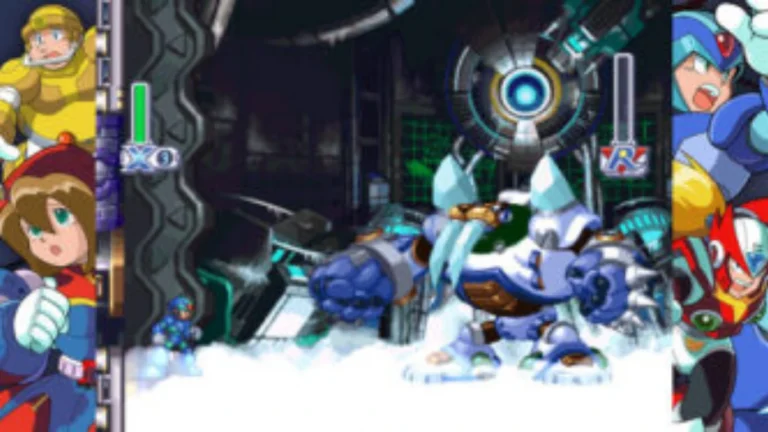
- Boss Practice Mode: Lets the players fight with and practice against any Robot Master.
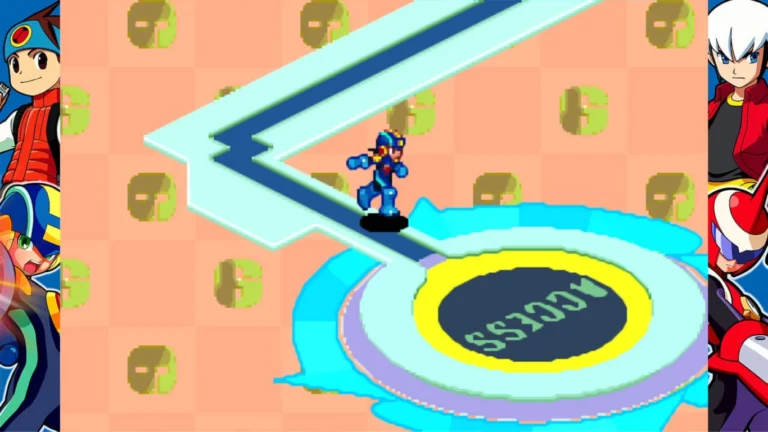
- Display Options: Provides other screen filters (full-screen stretch) and multiple custom background borders for each game
Related ROMs
Bread & Fred NSP/ XCI ROM v1.0 Download
Pizza Tower NSP/ XCI ROM v1.0.2 Download
Metroid Prime 4 Beyond NSP/ XCI ROM v1.1.0 Download
Super Mario 3D All-Stars NSP/ XCI ROM v1.1.2 Download
New Super Mario Bros. U Deluxe NSP/ XCI ROM v1.0.2 Download
Sonic Mania NSP/ XCI ROM v1.0 Download