

Game files information
App name:
EA SPORTS FC 25 Standard Edition
Version:
1.7e.e73a
Format:
NSP
Required Firmware:
18.1.0+ Atmosphere 1.7.1
Screenshots



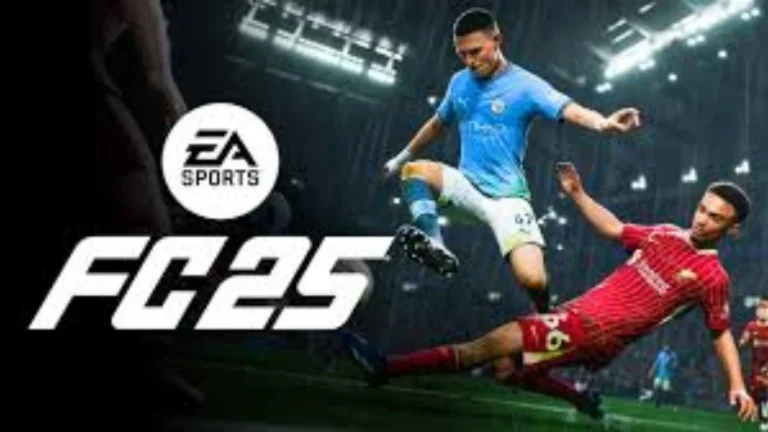
Description:
EA SPORTS FC 25 is the newest entry in the highly popular FC franchise. If you’re considering purchasing this game then you may be in a conundrum as to which version to choose – Standard or Ultimate. They each have distinct characteristics and advantages, and can impact your budget and final Ultimate Team 25 gameplay.
The Ultimate version, however, will provide you with twice the benefits – up to 4600 FC Points 25, to be exact. FC Points are crucial for the ability to purchase a number of packs or even get into the Ultimate Team Draft and buy even more packs and rewards. We have created a full list of differences between the two editions below to help you better understand the differences:
EA SPORTS FC 25 Standard Edition NSPKey Features:
- 5v5 Rush is a completely new small sided game mode. Engage in up to three-player games of Football Ultimate Team, Clubs and Kick-Off.
- FC IQ: A complete reworking of the tactical underpinnings. It adds authentic, real world data and new Player Roles to help your team play and react smarter on the pitch.
- Unrealistic Soccer: Embark on authentic football scenarios in real time (Live Start Points: Career Mode). You can take over a club during pivotal, real-life moments in the season.
- Career Mode and Ultimate Team will feature authentic women’s football clubs and players from the top five women’s leagues as well, to allow women to fully enjoy the game in Career Mode and through the Ultimate Team.
- Football Ultimate Team: Create your ideal 5-a-side team, discover the synergies with the various Player Roles, and change playstyles with ease using Manager Items.
Download
Installation Instructions
There is no difference between NSP and XCI formats — both run exactly the same on any Nintendo Switch emulator. Your downloaded EA SPORTS FC 25 Standard Edition file is in NSP format.
To play on an emulator, open your emulator, go to File → Load File (or drag and drop), and select the downloaded NSP file.
Ensure your emulator has at least Firmware 18.1.0+ Atmosphere 1.7.1 installed before launching EA SPORTS FC 25 Standard Edition.
On a hacked Nintendo Switch, install the file using Tinfoil (highly recommended) or DBI Installer.
The direct download link may occasionally be slow or unavailable due to high traffic. If it fails, please wait a moment and try again.
Related ROMs
Rocket League Ultimate Edition NSP/ XCI ROM v2.2.1 Download-
Moto Rush Reborn NSP/ XCI ROM v1.0 Download-
Golf Story NSP/ XCI ROM v1.0.1 Download
Stunt Race NSP/ XCI ROM v1.0 Download
INAZUMA ELEVEN: Victory Road NSP/ XCI ROM v5.0.0 Download
Goons: Legends Mayhem NSP/ XCI ROM v1.0 Download