
Screenshots
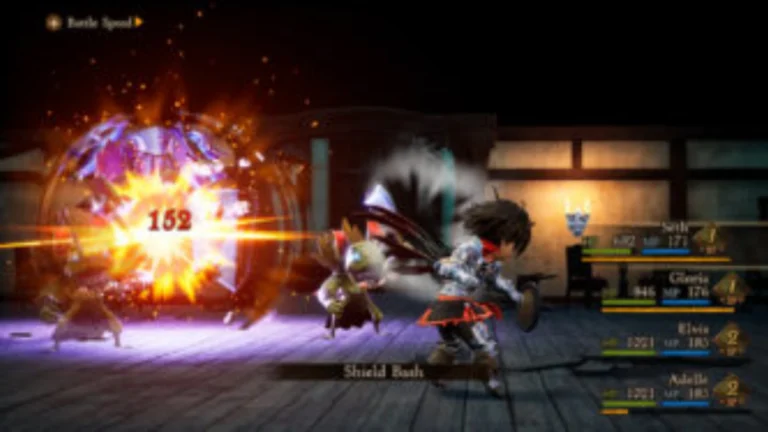
Description:
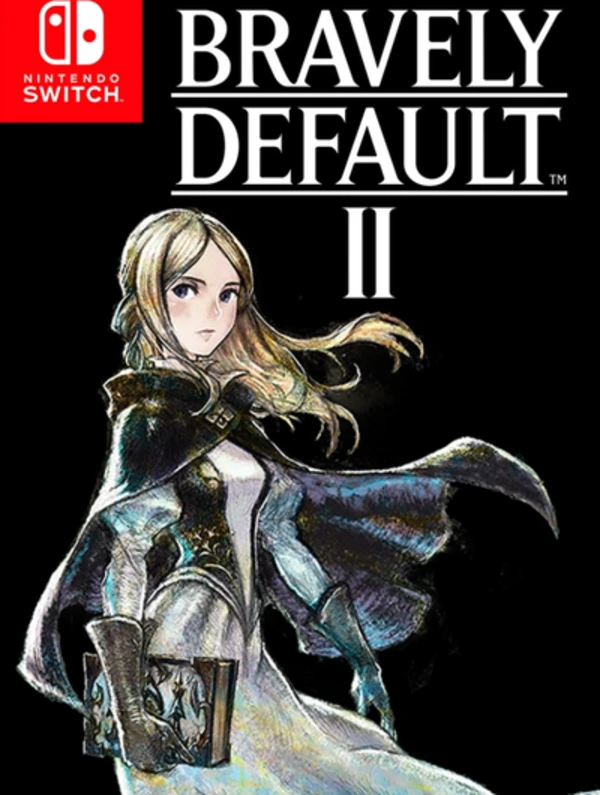
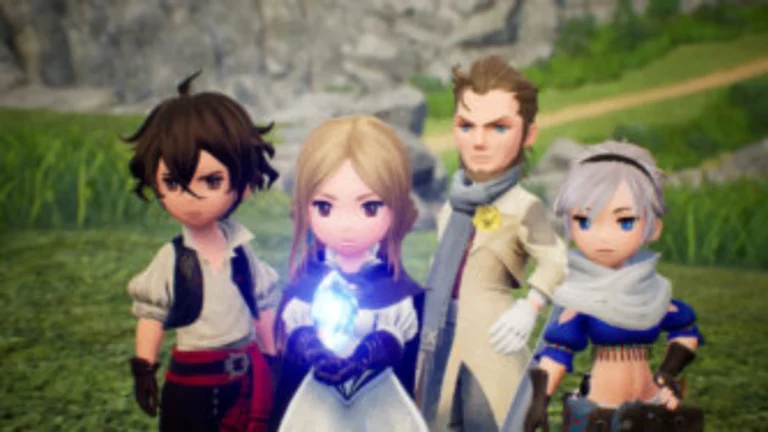
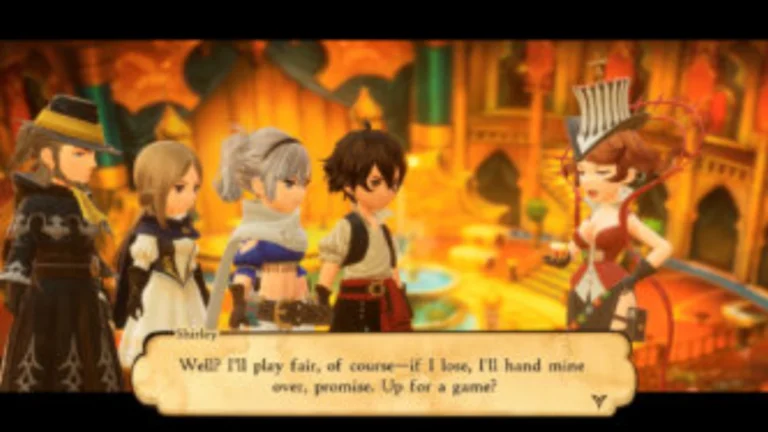
Bravely Default II Switch free download is the third game in the Bravely series, following the original game, Bravely Default, and its direct sequel,l Bravely Second: End Layer. Unlike Second, which was a continuation of the original, Default II has a new storyline and a new cast of characters. As in its previous installments, the game is a turn-based battle and role-playing video game.
The Bravely Default II demo was well received overall, but a few sources pointed out that it wasn’t as easy as one might think, and they hoped to see the ability to change the difficulty level of previous games in the series again. USGamer didn’t like the amount of grinding it required to be able to compete with the enemies, particularly on a game demo. On the other hand, Kotaku highlighted that the grinding was more enjoyable than in other games in the genre.
Bravely Default II NSP Key Features:
- Visible Encounters: Random encounters are removed; enemies appear on the map, and you can avoid them or engage in combat.
- Initiative: The first player to attack an enemy on the overworld gets a BP bonus in combat.
- Quality of Life: encounters can be made less frequent, “Consecutive Battles” for bonus job points are possible, and there is an auto-voyage feature that drops loot while the console is in sleep mode.
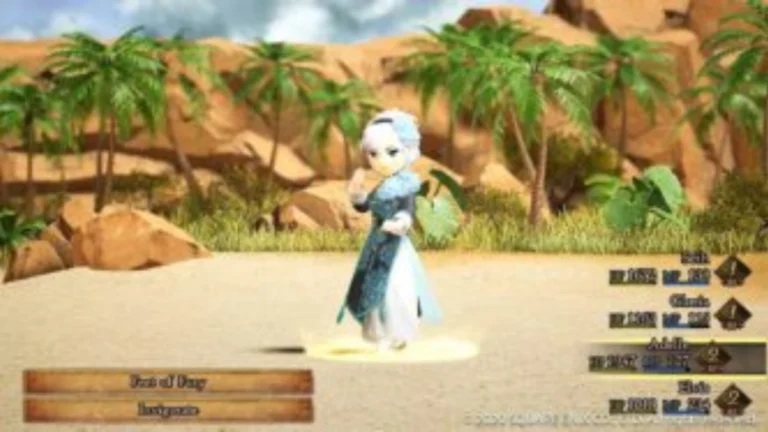
- Brave: Use Battle Points (BP) at once to execute up to 4 actions. Beware, going into negative BP will cause your character to be unable to take turns until they reach a BP of zero, and they will be vulnerable.
- Defend: Defend for a turn to recoup BP for a multi-attack.




Pingback: Bravely Default II NSP/ XCI ROM v1.0 Download - NSWPEDIA