
Game files information
App name:
Pinball FX3 INTERNAL
Version:
1.0.4
Format:
NSP
Required Firmware:
18.1.0
Screenshots

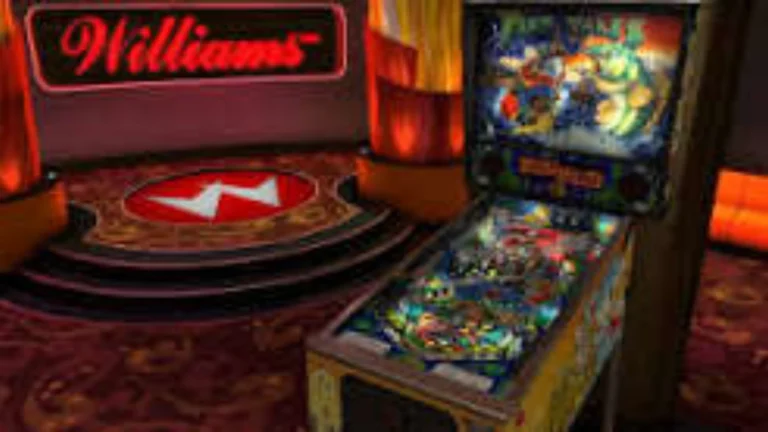
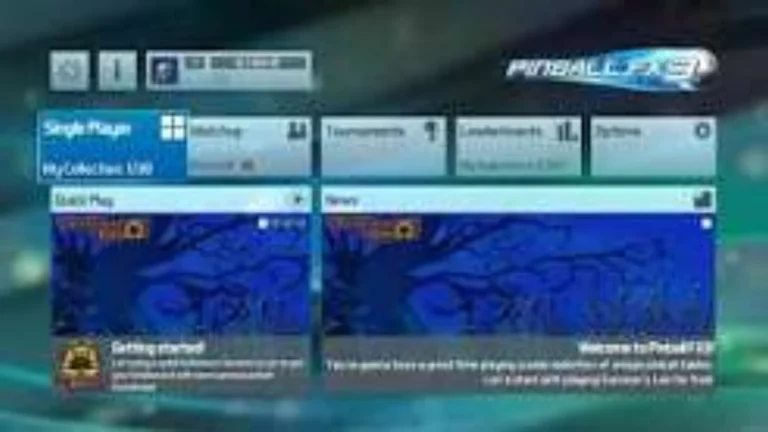

Description:
Pinball FX3 INTERNAL Switch NSP Free Download. Over the years, the free-to-download series Pinball FX has been steadily gaining in popularity, picking up more and more iconic titles, and, slowly, improving the standard of the experience as it moves forward with each new installment. As old-fashioned as pinball now is in the 21st century.
The effort Zen Studios has made in modernising the classic arcade game is unrivalled. This digital revitalisation has a sustainable and addictive model with the ability to appeal to newcomers and diehard enthusiasts alike. Pinball FX3, as the title suggests, is the third installment in the series.
Pinball FX3 INTERNAL NSP Key Features:
- Table Progression & RPG Elements: All tables are used as their own RPG. The bonuses (such as combo times, skill shots) and wizards (such as the abilities) can be used for brief spurts of extra wins, adding an interesting progression element to the original pinball game.
- Matchup & Tournament Play: The game focuses on competition and community aspects. Join in on custom tournaments, play multiplayer asynchronously, and share leaderboards across platforms.
- Pinball FX3 takes: advantage of the HD Rumble to make the ball’s bumpers and flippers feel real. You can also smoothly move your play from the dock to portable play.
- Cabinet Support: An in-house toolset designed to allow players to output playfield, backglass, and DMD (Dot Matrix Display) displays to multi-screen custom arcade cabinets.
- Cross-Platform Tournaments: A system to create and play in custom user-hosted online leagues and competitive tournaments.
Download
Installation Instructions
There is no difference between NSP and XCI formats — both run exactly the same on any Nintendo Switch emulator. Your downloaded Pinball FX3 INTERNAL file is in NSP format.
To play on an emulator, open your emulator, go to File → Load File (or drag and drop), and select the downloaded NSP file.
Ensure your emulator has at least Firmware 18.1.0 installed before launching Pinball FX3 INTERNAL.
On a hacked Nintendo Switch, install the file using Tinfoil (highly recommended) or DBI Installer.
The direct download link may occasionally be slow or unavailable due to high traffic. If it fails, please wait a moment and try again.
Related ROMs
Pokemon FireRed & LeafGreen NSP/ XCI ROM v1.0.0 Download
CASSETTE BOY NSP/ XCI ROM v1.0 Download
Warp Frontier NSP/ XCI ROM v1.1.7 Download
The Stanley Parable Ultra Deluxe NSP/ XCI ROM v1.0 Download
Unravel Two NSP/ XCI ROM v1.0.1 Download
Ever 17 Never 7 Double Pack NSP/ XCI ROM v1.0 Download