
Game files information
App name:
UFO 50
Version:
1.0.4
Format:
NSP
Required Firmware:
19.0.1, Atmosphere 1.9.1
Genre:
Platformer
Size:
427.9 MB
Language:
English, French, German, Italian, Portuguese, Spanish
Badge:
Exclusives
Screenshots
Description:
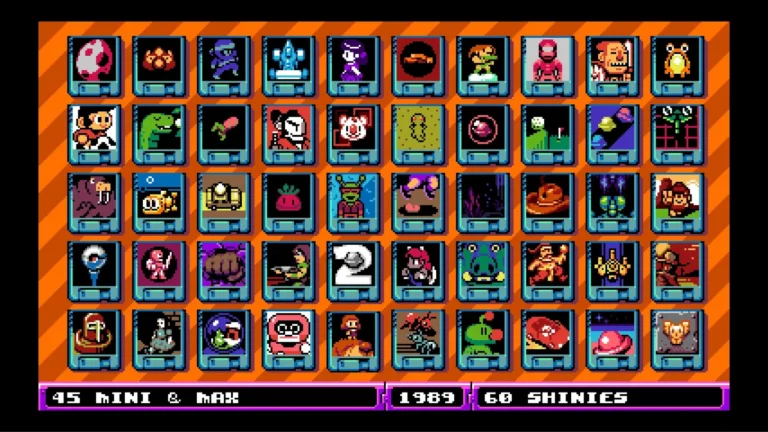
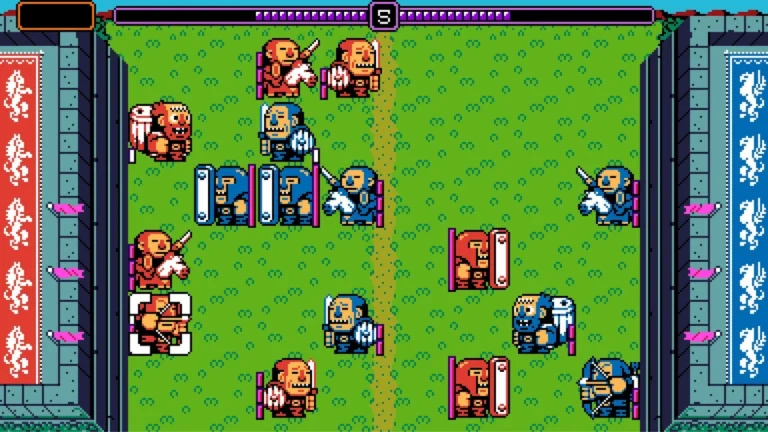
UFO 50: “I felt like I found an old console in the back of my closet”. The ’80s and ’90s are transported to you with their pixel art purist glory and chiptune background music. The main menu is presented in a kind of virtual rack of exotic used cartridges which can only be tried one at a time.
Basically, it’s a crane game with a hover, with the idea of picking things up being, well, achievable without too much difficulty. By pushing the single action button, the claw will drop, opening to a size that may allow it to fit fairly large items if necessary. The grip’s also tight enough that you will not drop anything unless you don’t line it up properly, and then you don’t deserve to have it properly carried.
UFO 50 NSP Key Features:
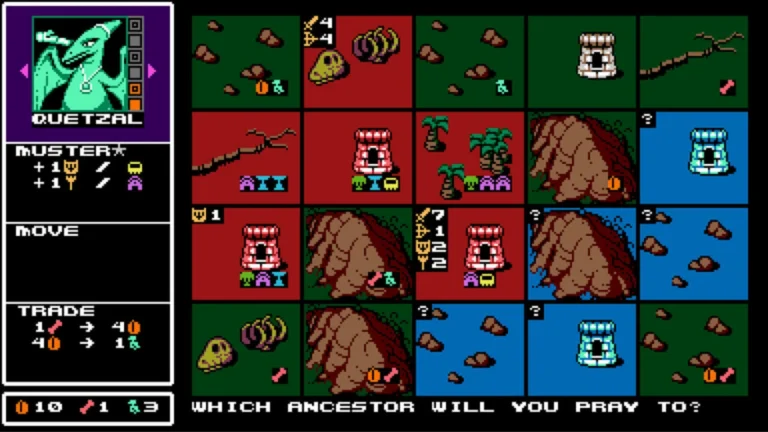
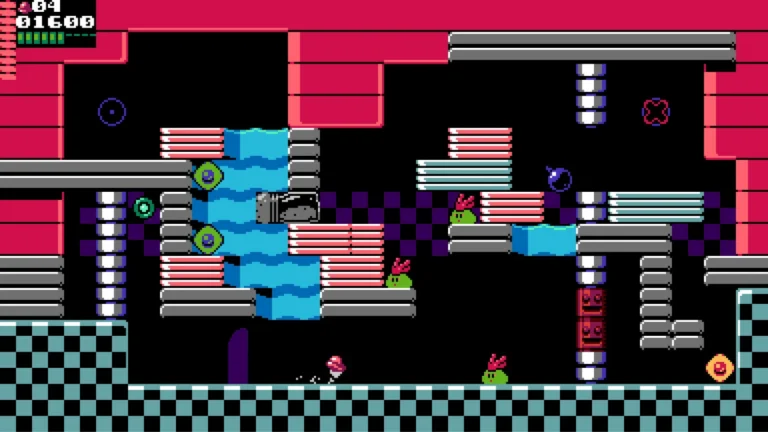
- Not micro-games or quick demos: 50 Full-Length Experiences: Some of them are arcade-style, others are huge open-world games or long JRPGs which may take hours to complete.
- All 50 games are available from the beginning: No Unlocking Required. Jump in, jump out, and explore the giant library at your own will.
- Shared Alternate Universe: The games are set in an alternate universe, in which the computer game company “UFO Soft” exists, but has been forgotten. The games have a linked continuity as there are characters you see return (such as the Campanella pilot) and even direct sequels in the collection.
- Single and Multiplayer: There are single-player campaigns, cooperative (local) play, and multiplayer with up to 3 players.
- Modern Quality-of-Life Touches: The video games have modern conventions in them, such as no end-of-game random encounters in RPGs (visible enemies), autosave features for longer RPGs, action undos in puzzle games, and unlimited lives, even though they are set in the 1980s.
Download
Installation Instructions
There is no difference between NSP and XCI formats — both run exactly the same on any Nintendo Switch emulator. Your downloaded UFO 50 file is in NSP format.
To play on an emulator, open your emulator, go to File → Load File (or drag and drop), and select the downloaded NSP file.
Ensure your emulator has at least Firmware 19.0.1, Atmosphere 1.9.1 installed before launching UFO 50.
On a hacked Nintendo Switch, install the file using Tinfoil (highly recommended) or DBI Installer.
The direct download link may occasionally be slow or unavailable due to high traffic. If it fails, please wait a moment and try again.
Related ROMs
Bread & Fred NSP/ XCI ROM v1.0 Download
Pizza Tower NSP/ XCI ROM v1.0.2 Download
Metroid Prime 4 Beyond NSP/ XCI ROM v1.1.0 Download
Super Mario 3D All-Stars NSP/ XCI ROM v1.1.2 Download
New Super Mario Bros. U Deluxe NSP/ XCI ROM v1.0.2 Download
Sonic Mania NSP/ XCI ROM v1.0 Download